Managing your subscription
Your subscription is managed through a secure billing portal you reach from the dashboard. It is where you update your card, download invoices, and switch your plan. This page explains how to get there, what you can change, and what a loan officer controls versus what is handled at the organization level.
What it is
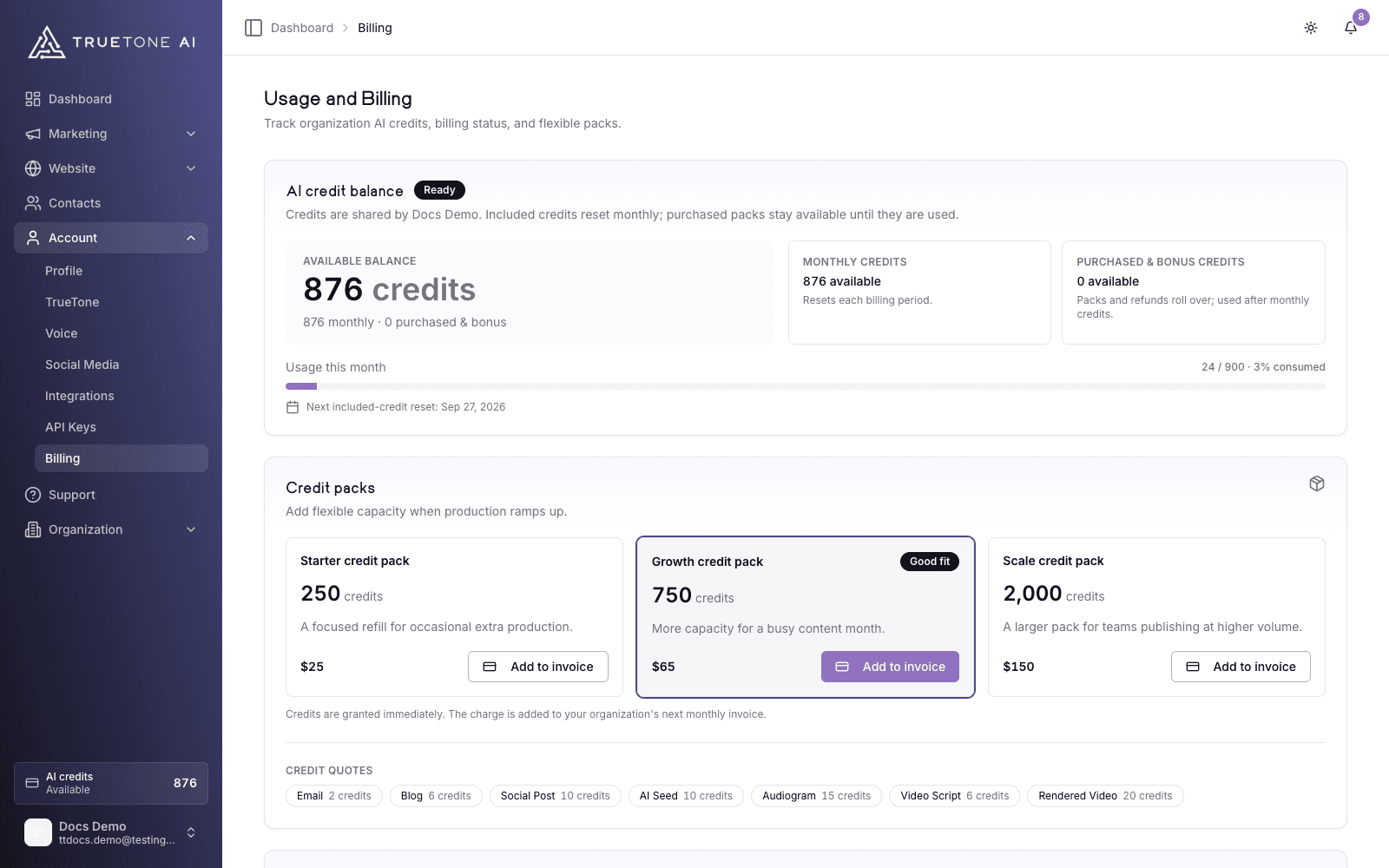
Everything about your plan lives on the Usage and Billing page in the dashboard. Near the top of the account billing panel you will see your current subscription status, the date your billing period ends, and a Manage subscription button.
That button opens a secure billing portal, hosted and protected by our payments provider, Stripe. TrueTone never stores your card number itself. Inside the portal you handle the money side of your account: your payment method, your invoices, and any change to how you pay. When you finish, the portal returns you to the same page you left.
Alongside it, the billing panel offers an in-app way to cancel or resume, covered in Cancel, save offer, reactivate. This page focuses on the portal and the everyday changes you make there.
Who it is for
- Individual account owners manage their own subscription end to end: the card on file, the plan, invoices, and cancellation.
- Organization seats and admins do not use the personal portal. When a company equips a team, the organization is the billing entity and pays by invoice, so the subscription is handled at the organization level.
- Sales, marketing, and support teammates can use this page to explain the self-serve billing experience without walking a customer through a live account.
Opening the billing portal
Go to Usage and Billing
Open Usage and Billing from the dashboard. The account billing panel shows your subscription status and the current period end date.
Select Manage subscription
Click Manage subscription. TrueTone hands you off to the secure Stripe portal in the same window.
Make your change in the portal
Update your card, view an invoice, or change your plan. Everything financial happens here, on the payments provider’s own protected pages.
Return to TrueTone
When you are done, use the portal’s return link. You land back on the billing page, and any change you made syncs to your account automatically.
What you can do in the portal
The portal is the single place for account changes that touch payment:
- Update your payment method. Replace an expiring or failed card, or switch to a new one.
- View and download invoices and receipts. Your billing history is kept for you to save or forward to accounting.
- Change your plan. Move between monthly and annual billing. See Plans and pricing for what each option costs.
- Update billing details. Your name, billing address, and tax information travel with your invoices.
The exact set of controls in the portal is the standard billing portal configured for your account, so the layout you see is the payment provider’s, not TrueTone’s. If a control you expect is missing, contact support and it can be adjusted for you.
Changing your plan
Switching between monthly and annual billing is done from the portal, under the option to change your plan. Both cadences unlock the same full account and the same monthly pool of credits, so the choice is only about cash flow and total cost, not features. A change takes effect on the schedule the portal shows you, typically at your next renewal, and your access never lapses in between.
Your subscription and your credits are separate. Changing your plan does not add one-off credits, and buying a credit pack does not change your plan. To add credits for a busy stretch, see Credit packs and top-ups.
Updating your payment method
Open the portal and replace the card on file. Do this proactively before a card expires, or right away if a charge fails. A failed payment moves your subscription into a Past due state; updating the card in the portal is what clears it and keeps your access on. See Billing overview for what changes and how to recover.
Your subscription status at a glance
The billing panel shows a status badge and, in most cases, the date your current period ends. Here is what each status means:
| Status | What it means |
|---|---|
| Active | Your subscription is on and renews automatically at the period end date shown. |
| Trialing | You are in your free trial. Billing begins automatically when the trial ends unless you cancel first. |
| Past due | A payment did not go through. Update your card in the portal to restore normal billing. |
| Canceled | Your subscription has ended. To come back, start a new subscription. |
If you have asked to cancel, your status can still read Active while a Cancellation scheduled note appears. That is expected: your access continues until the period end date, and you can resume anytime before then.
Your credit activity
Further down the Usage and Billing page, a running ledger records everything that spends or adds credits, so you can always answer “where did my credits go” without guessing. The ledger comes with a full set of controls:
- Search finds lines by activity, platform, or title.
- Date range narrows the ledger to the window you pick, and the table reloads for that window rather than filtering only what is on screen.
- Platform filters between All platforms, In-app, API, and MCP. Work you do in the dashboard is In-app; credits spent through the TrueTone API or by an AI assistant connected through the TrueTone Connector are labeled API or MCP, and each line names its platform so headless spend is never a mystery.
- Type filters between All activity, Credits, Seeds, Generations, and Regenerations.
- Export CSV downloads your activity for the selected window as a spreadsheet-ready file. The export walks the whole window, not just the rows currently shown.
Cancel or resume
The billing panel also has a quiet Cancel subscription link. Cancelling is never immediate. Your subscription is scheduled to stop at the end of the period you already paid for, so nothing you created disappears and your access continues until that date. If you change your mind, a Resume subscription action brings it back with one click. The full flow, including the offers you may be shown on the way out, lives in Cancel, save offer, reactivate.
Who controls what
Your own account
You control everything. Open the portal to update your card, download invoices, and switch between monthly and annual billing, and use the in-app links to cancel or resume. Credit packs are a separate one-time purchase on the same billing page.
Good to know
Changes you make in the portal sync back to your account on their own. Your subscription status and period end date on the billing page update to match, so the two never drift apart.
Card details are held by the payments provider, not by TrueTone. Every trip to the billing portal is recorded in your account’s activity log, so there is a clear trail of when billing was accessed.
The Manage subscription button and the personal portal are for individual accounts. If you are on an organization plan and reach the portal, billing is handled by your organization instead. Contact your organization admin for plan or payment changes.